SaaS
Hosted by us · EU region
Speaker mic in, attendees join by link. Nothing to install, nothing to configure for anyone in the room. ISO 27001-controlled, EU-hosted.
- Live in 1–2 days
- Per event or monthly
- EU data residency
Speak any language. Reach every audience. Instantly. AI-powered real-time interpretation — delivered to every attendee's browser as audio and subtitles.

Just connect the speaker's microphone and share the access link or QR code. Intertraduction does the rest — instantly, in the browser, for the whole room.
Plug the speaker's microphone into Intertraduction — on-site or through your existing conferencing tool. No cabins, no receivers, no AV rebuild. Setup takes minutes and needs no technical expertise.
Share one access link or QR code with the room. Attendees open it in any browser — no app to download, no account to create. They pick their language and they're in.
AI transcribes the speaker, translates into every chosen language, and synthesizes natural audio — simultaneously, with no perceptible delay. Built on Microsoft Azure for enterprise-grade performance and reliability.
Each attendee hears high-quality translated audio and reads live subtitles in their own language, right on their device — and can switch languages at any point during the session.
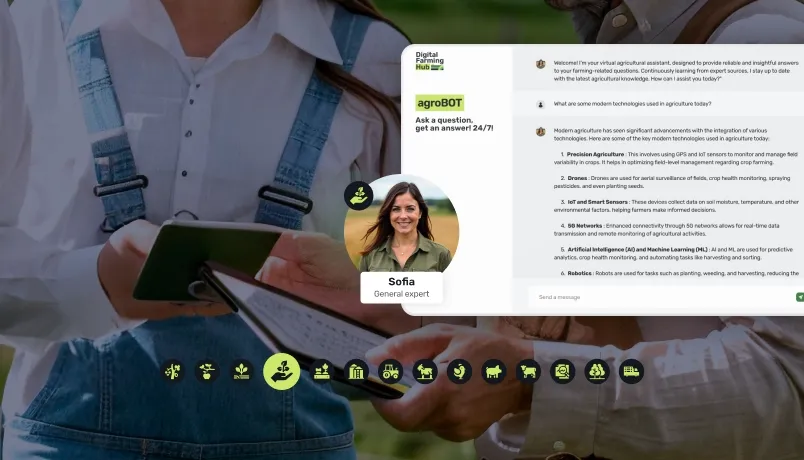
From the organiser console that tracks sessions, languages and live audiences, to the attendee's in-browser language picker with live audio and subtitles — these are the screens behind a multilingual event.
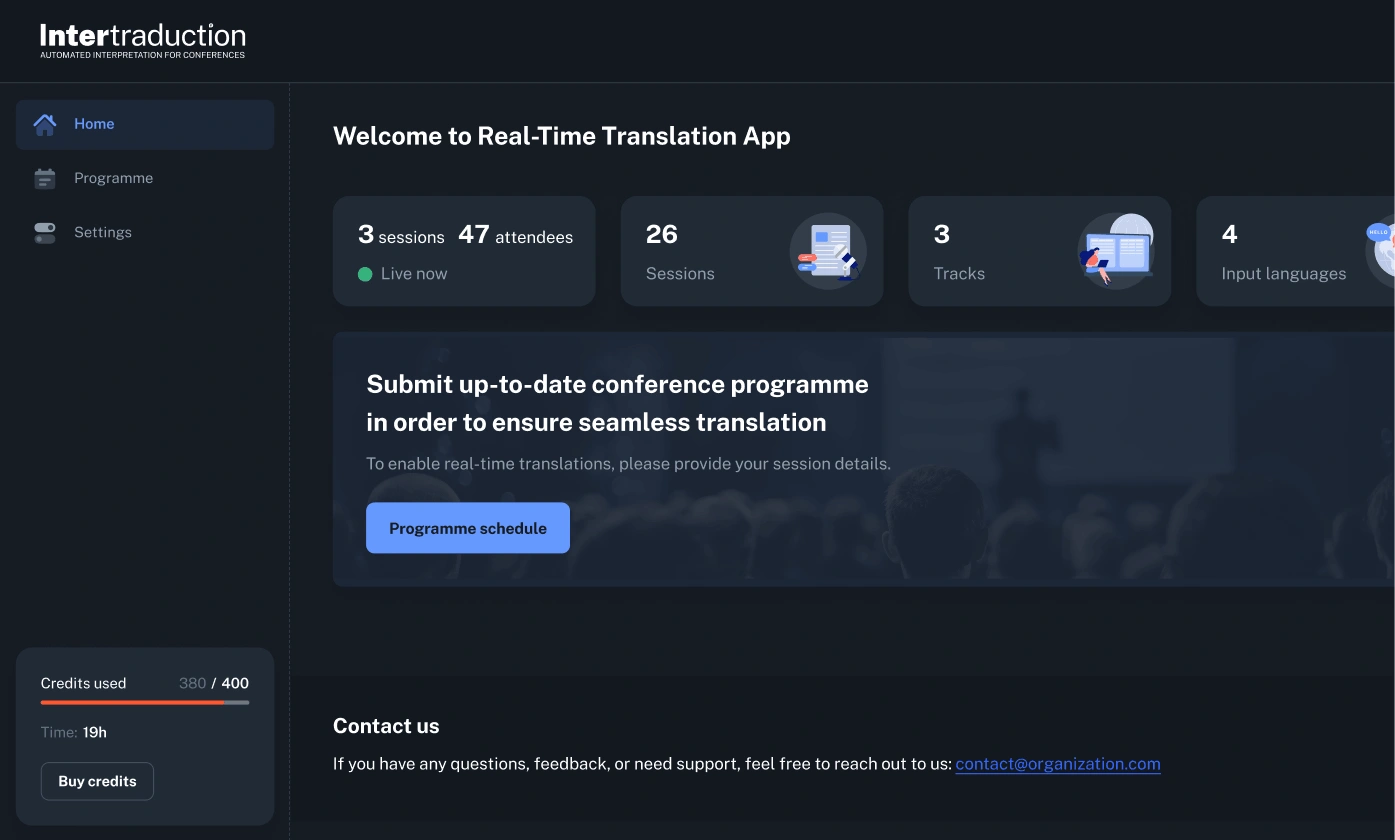
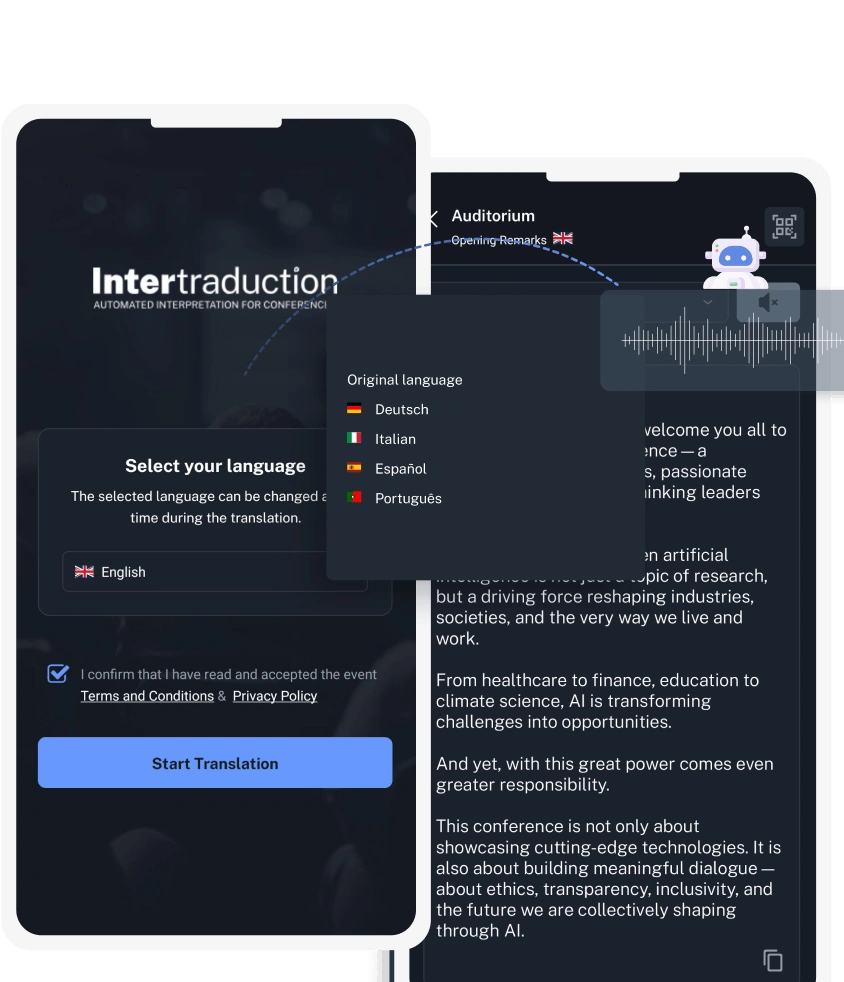
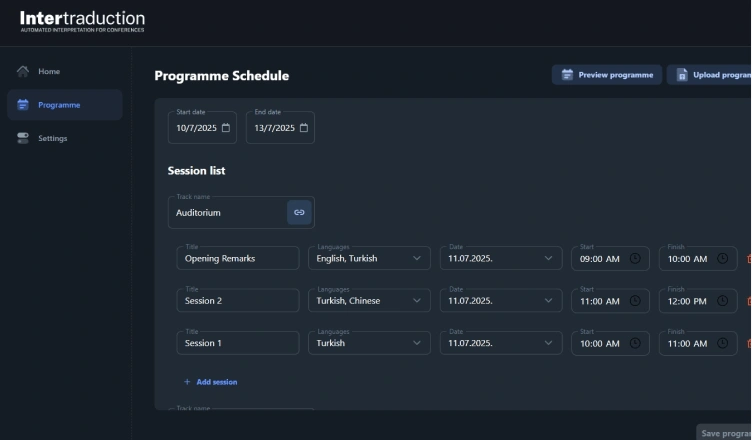
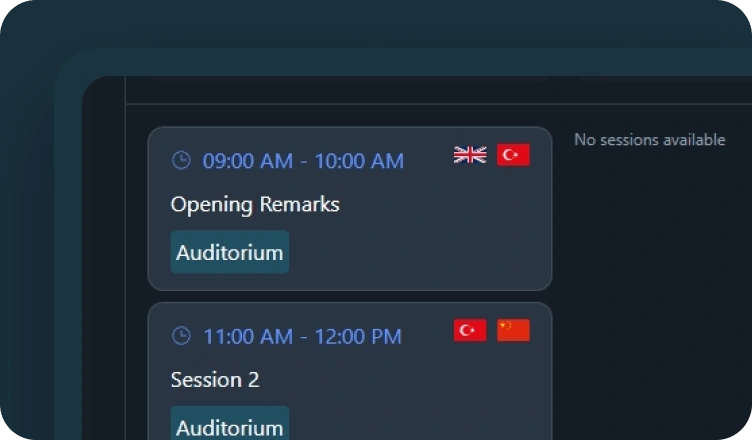
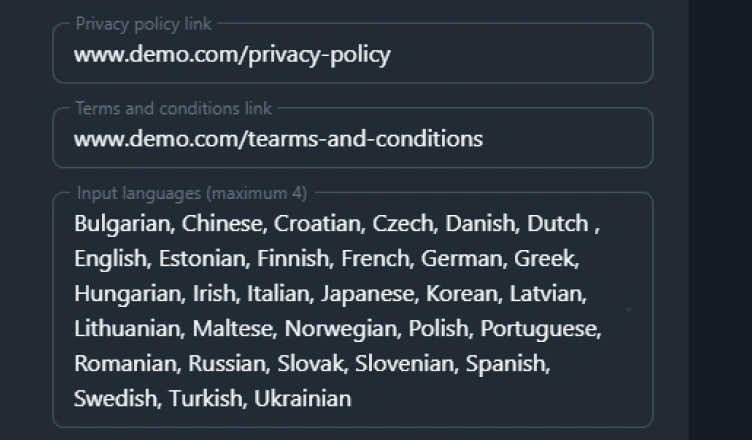
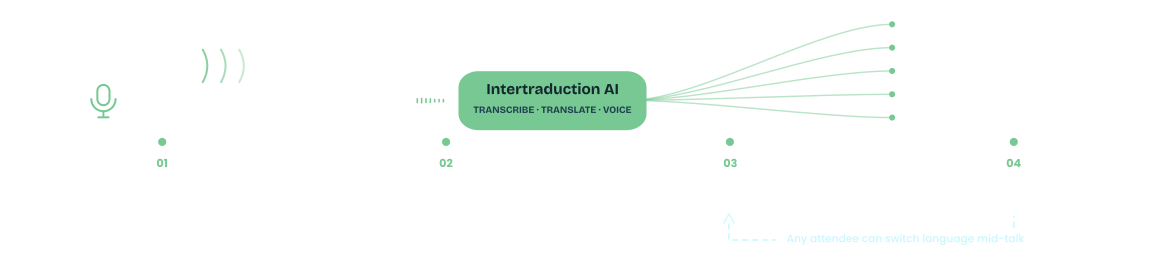
We take audio from the mic or conferencing tool you already use, translate it in the cloud, and deliver every language straight to attendees' browsers — no special hardware in the room.
Hybrid or online event? Intertraduction works the same over Zoom, Teams or Webex as it does in the room. Bring your format up during the discovery call.
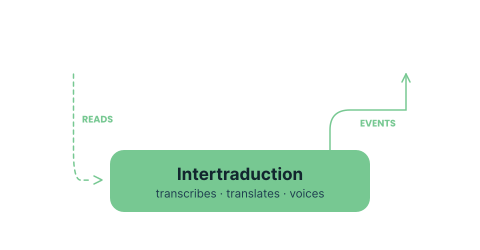
Event floor
Speaker mic · AV desk
Intertraduction AI
Transcribe · translate · synthesize
Language streams
Audio + subtitles, 30+ languages
Attendee browsers
Any device · link or QR
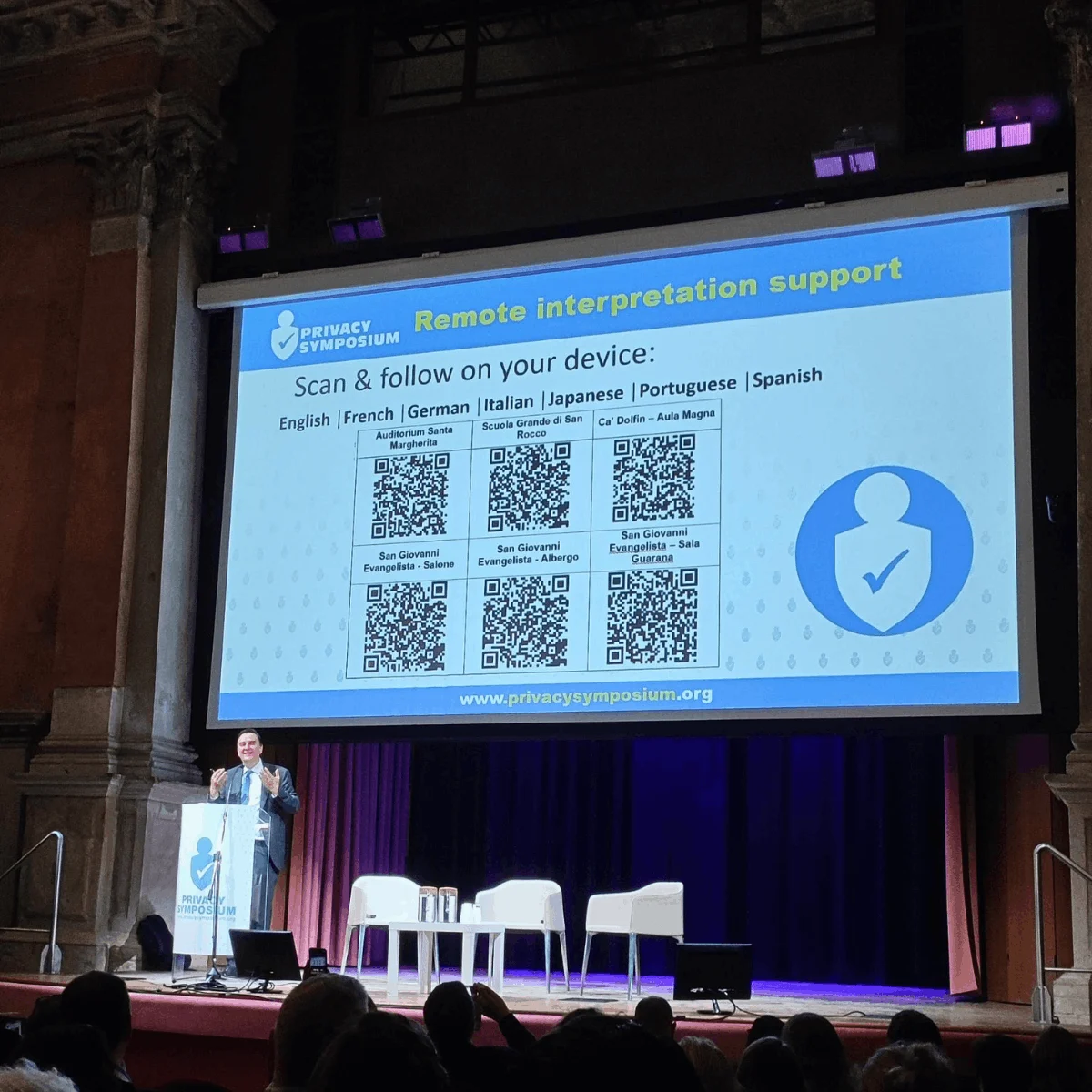
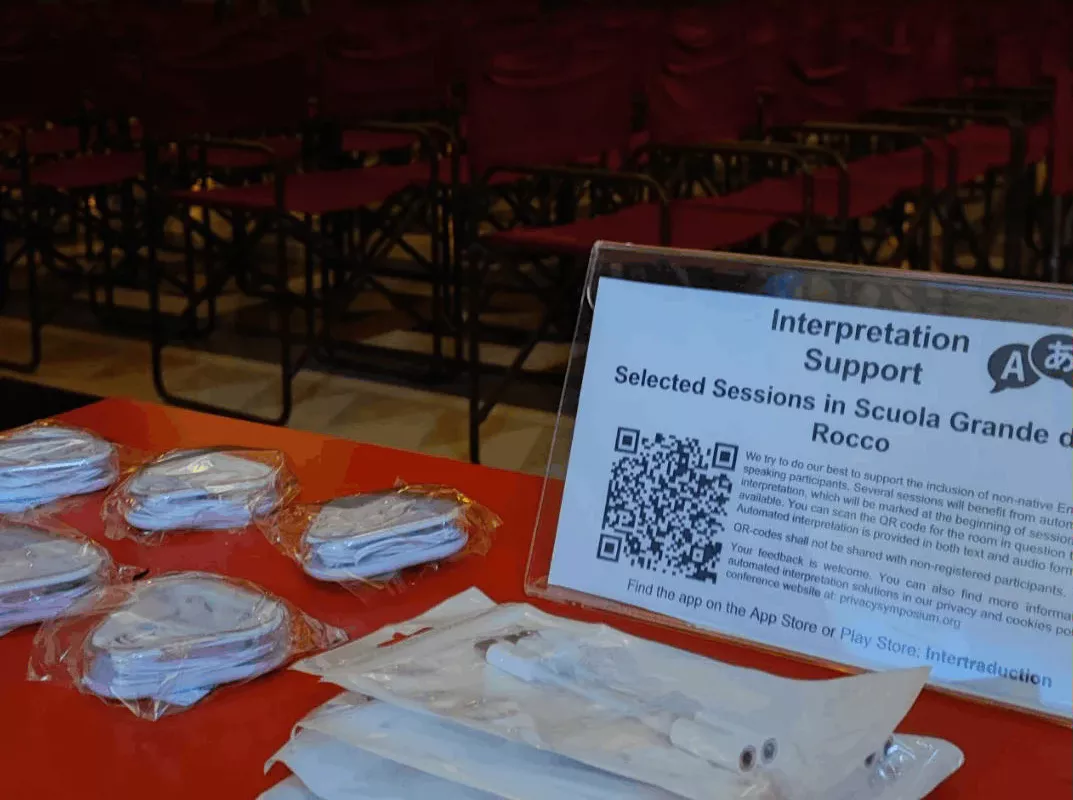
Real venues, real audiences. The stage and speaker, the AV desk, attendees following along in their own language on their phones.

Speaker mic in, attendees join by link. Nothing to install, nothing to configure for anyone in the room. ISO 27001-controlled, EU-hosted.
Deployed inside your Azure tenant. Your data residency, your compliance posture, our 24/7 operations team.
Integrate Intertraduction into your event platform, venue AV stack or conferencing suite via API — and extend with analytics, captioning and export capabilities via the DunavNET Innovation Studio.
International conference · 2025 · figures indicative
"We retired the interpretation cabins and the receiver desk entirely. People just scanned a QR code and listened in their own language — and switched whenever a speaker changed."
Event producer
International conference · multi-track · Central Europe
No. Intertraduction needs only the speaker's microphone. Attendees listen and read on their own devices — there's no hardware to rent, ship, set up or hand out, and nothing for the venue to wire in.
They open a link or scan a QR code in any browser — no app to download, no account to create, no login. They pick their language and they're listening immediately.
Intertraduction supports 30+ languages simultaneously. Attendees can switch language at any point during the session — mid-talk, between speakers, or as often as they like — without missing a word.
Yes. The pipeline — transcribe, translate, synthesize — runs with no perceptible delay for attendees. Accuracy depends on speaker clarity and subject matter; for clear, structured speech in well-resourced language pairs it is high. We recommend a brief test session before your event, which we run as standard during onboarding.
Conferences, summits, panels, webinars, board meetings, training sessions — any event where a speaker addresses a multilingual audience. It works on-site, hybrid, and fully online. Single-track and multi-track both supported.
Generic tools translate text after the fact. Intertraduction delivers spoken audio and live subtitles simultaneously, in the room, as the speaker talks — with no hardware for attendees and no AV rebuild for the venue. DunavNET also runs the infrastructure and handles onboarding, not just the software licence.